
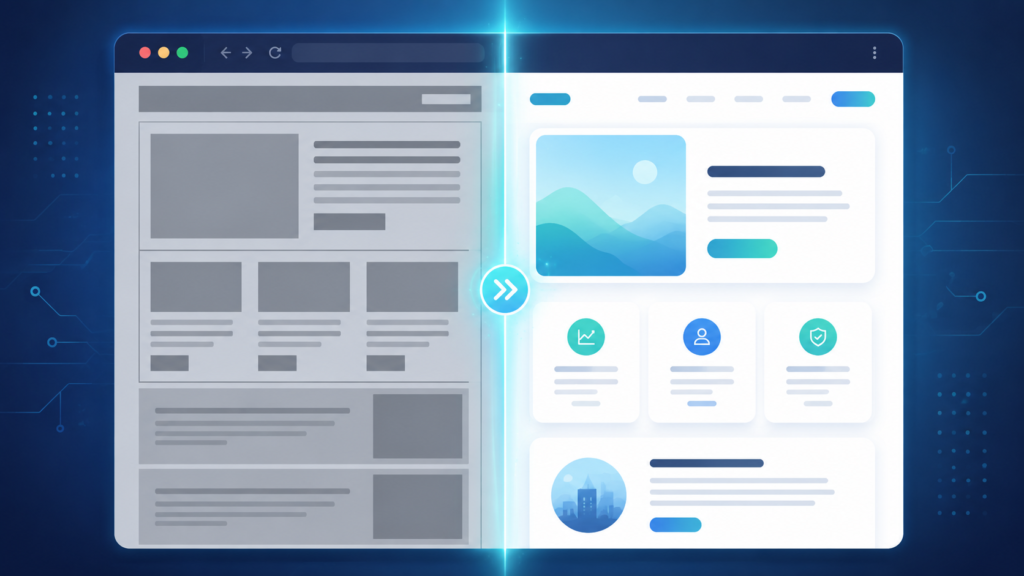
AI-Powered Website Redesign: A New Workflow for Small Business Owners
For most small business owners, an outdated website is a problem everyone agrees on and almost no one fixes. The reasons are familiar: a redesign means hiring a developer or designer, waiting weeks for a result, and absorbing a cost that feels hard to justify against more immediate priorities. So the old site stays online, year after year, quietly working against the business every time a visitor judges its credibility in the first few seconds.
AI-powered redesign tools are changing the economics of that decision. Instead of treating a website refresh as a multi-week project, they treat it as an analysis-and-generation task: point the tool at an existing site, and it produces an upgraded version in minutes rather than weeks. uKit AI is a clear example of this category, and it is worth examining less as a single product and more as a new workflow that small businesses can plug into their broader digital strategy.
The Workflow Behind AI Website Redesign
The traditional redesign workflow looks roughly like this: audit the existing site, define goals, brief a designer or agency, wait for mockups, request revisions, build the result, test it, and launch. Each step adds time and cost, and the business usually has limited ability to evaluate the result until late in the process.
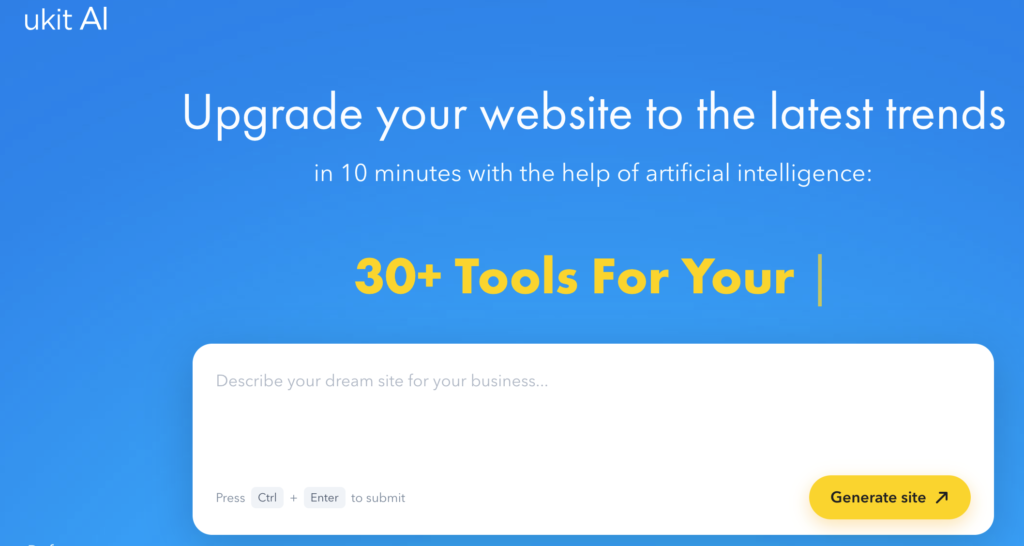
The AI-powered version compresses several of those steps into one. A tool like uKit AI analyzes the existing site’s content and structure, then generates an updated version with a modern layout, mobile-responsive design, HTTPS, and SEO-friendly markup – typically within about ten minutes. The output is reviewable immediately inside a CMS, where the business can adjust it before publishing to a custom domain.
This does not eliminate the need for judgment. It moves judgment to a different point in the process: instead of approving a brief before any work happens, the business reviews a finished draft and decides what to keep, change, or rebuild.
Where This Fits Into a Broader Digital Strategy
An AI redesign workflow is most useful as an early stage in a larger process, not as the final word on a business’s web presence. A few practical use cases stand out.
Triage for an outdated site. Many businesses are not sure whether their existing website needs a light refresh or a full rebuild. Running it through an AI redesign tool gives a concrete reference point – a visible, modern version of the same content – that makes the decision easier to evaluate than guessing from a blank brief.
Faster timelines for resource-constrained teams. Small businesses and solo operators often delay a redesign indefinitely because there is no dedicated marketing or development resource to drive it. A workflow that produces a usable draft in minutes removes the biggest barrier to simply starting.
A starting point for further customization. Even when a business ultimately wants more design control than an automated tool provides, starting from a generated draft is often faster than starting from nothing. It gives a designer or developer something concrete to react to and improve, rather than a blank page.
What This Approach Does Not Replace
It is worth being direct about the boundaries of this workflow, because the speed of AI-powered redesign can create an impression of completeness that does not hold up under scrutiny.
Content accuracy is not part of what these tools verify. An AI redesign tool modernizes presentation – layout, responsiveness, basic technical SEO – but it does not fact-check service descriptions, pricing claims, or business details. Any business publishing the result is responsible for confirming that the content is still accurate.
Brand differentiation is also not solved by redesign alone. A modernized layout can still describe a business in generic terms that could apply to any competitor in the same category. Positioning, voice, and the specific reasons a customer should choose this business over another are strategic decisions that sit outside what an automated redesign tool is built to handle.
Platform considerations matter too. Tools built around a specific CMS, like uKit’s own platform, generally keep the redesigned site within that ecosystem rather than producing a fully portable export. Businesses should understand this tradeoff – speed and simplicity in exchange for working within a defined platform – before committing.
A Practical Way to Evaluate the Workflow
Before treating an AI redesign as a finished solution, a business should walk through a short set of questions:
Does the redesigned site accurately represent the business, or does some content need updating before publishing?
Is the new structure clearer for a first-time visitor than the old one?
Does the result still need a pass for brand voice and differentiation?
Is staying within the platform’s ecosystem an acceptable tradeoff for the speed gained?
Would this be a good starting point for a designer to refine further, or is it close enough to launch as-is?
These questions take a few minutes to work through and prevent the most common mistake with this category of tool: treating a fast, AI-generated draft as a finished business asset without the review it actually needs.
Final Thoughts
AI-powered website redesign does not replace strategy, but it does remove the biggest practical barrier to acting on an outdated site: the time and cost of getting a usable draft in front of decision-makers. For small business owners who have been postponing a refresh because a full redesign project feels disproportionate to the problem, tools like uKit AI offer a faster, lower-risk way to see what an updated version could look like before committing further resources.
The workflow works best when it is treated as exactly that – a workflow, with a clear review step at the end – rather than as a one-click replacement for the thinking that still belongs to the business.
Related Reading
For a broader look at how AI tools fit into different categories of work, see our overview of AI Tools for Work, Research and Creativity. If you want to understand the foundation behind tools like this, What Is Artificial Intelligence and Why It Matters Now explains the basics in plain terms. And since getting a useful result from any AI tool – including a redesign tool – depends on how clearly you communicate what you need, Prompt Engineering Basics: How to Get Better AI Answers is a useful next read.